Five Ways to Use a Handheld Camcorder for Scene Selection

Advantages to Selecting Angles with Hand Held Camera

by George Avgerakis

No doubt you’ve seen film directors making their way around sets while peering through a black viewfinder in pursuit of the perfect camera angle. The viewfinder allows the director to emulate the distance, angle, and focal length of the on-set camera, thereby allowing the director to make valuable decisions that he can convey to the director of photography. However, once the viewfinder is released, the view must remain in the director’s memory and all other record of the view is lost.

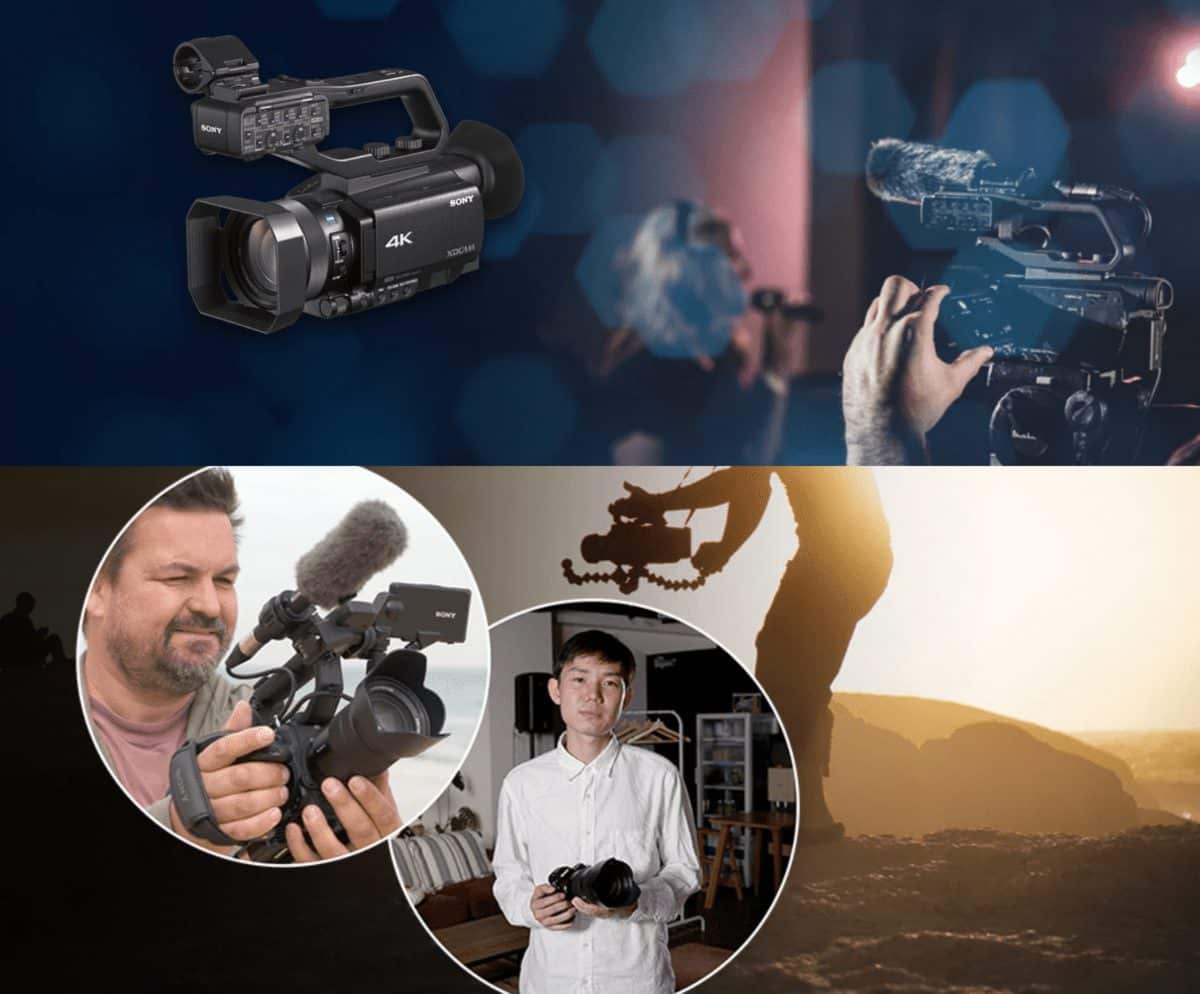
Perhaps a more desirable method of selecting scenes may be the simple consumer-grade camcorder, especially a newer model camcorder designed to shoot in HD with a 16 x 9 aspect ratio. Obviously, the camcorder cannot precisely emulate all of the attributes of every feature film camera, but since most independent features are shot in 16 x 9 on HD camera, the viability of the camcorder has increased exponentially.

In addition, there are many advantages to selecting angles with an HD camcorder that are not possible with a simple viewfinder. Here are some advantages to consider.

Recording the Decision

The most obvious benefit of using a camcorder to choose angles is that the work done is recorded and may be played back for other members of the crew. Actors or stand-ins can also be walked through the shot in various ways, which can be compared later.

While the review of such shots represents a higher degree of collaboration than many directors desire, or have time to perform, the improvement in departmental understanding, general agreement, and cooperation of all concerned is well worth the investment.

On one occasion, while demonstrating this technique for a large class, I hooked up the camcorder via an optional HDMI cable to a projector. The brilliant image, cast onto a 10’ wide screen satisfied everyone’s desire to see through the director’s eyes. A student then suggested that the DP incorporate the projected image into the film scene! The story certainly supported the idea and in moments, we adapted the classroom experience to accommodate another “director’s” suggestion.

Unusual Attitudes

During the filming of “A Clockwork Orange,” Stanley Kubrick, fiddling with his director’s viewfinder, got the idea of creating a point of view (POV) shot from the eyes of an actor falling out of a second story window. Not wanting to risk his principal (rented) camera, he took an inexpensive (and very durable) 35mm camera, stuffed it into a styrofoam ball, and tossed it out the window. Stanley, being Stanley, used up six of these cameras until he got one to land right on the lens, creating the suicidal climax to his scene.

You might not want to risk the $1,500 that an HD camcorder costs, but by clever rigging, you can often get some unusual attitudes that can exponentially expand the perspective of your film. Consider placing the camera on the end of a telescopic microphone boom, pointing it into your set and getting a simulated helicopter shot. This was recently done on the top of the Empire State Building (the director had previous permission from building management and local security authorities) to explore the feasibility of a sky shot and the result was so much less expensive and so good the camcorder was used instead.

Just as you can go high, you can go low. Tether the camera on two lengths of fishing line (to keep it from spinning) and lower it over a cliff, into a well, wherever you need to take your audience for a thrill. You won’t look in your viewfinder to get this angle, I can assure you!

Pre-Viz

As computers join the many tools a writer and director have at their disposal, the technique of pre-visualization or “pre-viz” will become more common and easier to apply. Pre-viz began as a computerized extension of storyboard design, where authors who had little graphic skills could create passable storyboards for use in pitching and filming a story. Today, exotic software allows for real time, animated, 3-D “storyboards” to be created and then employed on the set as part of a new “decision-making-media” toolset.

An adjunct to the pre-viz toolset, camcorder shots can easily be incorporated into any pre-viz workflow, regardless of how sophisticated the supporting technology maybe. For instance, a hardcopy storyboard can be videotaped and loaded into a camcorder with voices reading the dialogue, to form an “animatic storyboard.”  On the set, the director can rehearse his actors, then insert the rehearsal into the animatic. The scene can then be viewed by the various departments prior to set-building, lighting or any other time prior to “action.”  Finally, the continuity person can verify the shoot by comparing the animatic with the actual video tap recording of the filmed scene.

SUP

Occasionally, a director may disagree with other members of the team. In one such example, the Director of Photography, whom you will recall does not work for the director, but for the producer, may so strongly disagree with the director that she may resort to writing, “S.U.P.” (shot under protest) on the slate. This covers the DP’s posterior, because a producer, unhappy with a daily, may resort to blaming the DP instead of the director who was responsible. In such cases, having the recorded shot choices available for review can settle the matter. For this reason, producers love camcorder evidence and my even contract for it in writing.

Other disagreements are easier to manage with a camcorder. An actor, unsure of how she will appear in a shot can inexpensively see for herself and assist the director in arriving at a solution that gives the actor confidence and yields a better performance.

A DP may also be convinced that a tricking lighting problem can be expeditiously corrected by trying various solutions while the director verbally responds. Then the two can look at the results on the playback and make a quicker decision than by any other means.

Gathering Footage for “The Making of” Video

Another great reason to employ a camcorder on the feature set is to gather footage for “the making of” video. Most indie budgets cannot afford to produce a making-of production. However, once the film has found distribution, one of the things often requested by the distributor is a making-of doc. How nice would it be to offer the director’s angle selection videos and whatever odd rehearsal bits, off-camera dialogue and “set fun” were captured thereon?

Today’s relatively inexpensive, consumer HD camcorders have an output that is not that far from the quality of some cinema bound, video-based features. It is not inconceivable that an aggressive editor will not value some of the camcorder clips as B-roll. True, this may be stretching a point, but entire films have been entirely shot with handheld camcorders (e.g., The Blair Witch Project, 1999) and many others have included scenes, which employ camcorder-acquired or camcorder effect shots. Having one on the set, for the small expense (and whose to say the camera doesn’t become a gift to someone after the shoot?) may be well worth the editorial flexibility.


About Us

StudentFilmmakers.com is where creatives grow. Learn filmmaking, connect with industry pros, and access tools, contests, and inspiring educational resources.

Advertisers

Sign up for our Newsletter

Discover exclusive access to free webinars, hands-on workshops, and cutting-edge insights into emerging technologies and workflows. Sign up with the form above to stay ahead in the fast-evolving world of filmmaking.

Scroll to Top
×