
Try These Steps for Setting Up Simple Chroma Keying
by Saro Varjabedian
Embarking on a bluescreen or greenscreen shoot might be a scary proposition. However, with the right preparation, and following these simple steps, you can pull off some composite effects that could rival professional productions.
The first step to the chroma key process is to select the appropriate screen. In theory, pretty much anything can act as a chroma key screen, and in fact, it doesn’t necessarily have to be green or blue in color. However, there are two very good reasons why green and blue are the standard colors used in the industry. In the early days of compositing, blue screens were the first to be used because at the time, all compositing was done on film. Because film renders colors using the primary colors of red, green and blue, there was a process developed which could key out an image placed in front of blue colored screen. Later with the advent of video, it was discovered that video responds better to green screens. Since the industry has been using green and blue screens for many years, advances in technology have pretty much perfected the process making green or blue screens completely interchangeable for film or video. The other practical reason with going with a green or blue screen is that, in general, you can get away with using one of those colors, and for the most part, the colors will not be part of your subject. This is the main deciding factor when choosing a screen color. If your subject will be wearing dark blue jeans, then go with the green screen.
Earlier I mentioned that, in theory, any material could be used as a screen, such as green bed sheets. While this may be the most economical choice, it definitely is not the most practical. To achieve desirable results with the color screen elements, invest some money into a chroma key balanced muslin or paint. The reason being is that these professional systems are chemically balanced to get the purest green or blue color while minimizing the amount of reflectance of the material or paint thereby reducing the amount of spill (more on spill later). So, do not try and go cheap by buying a bed sheet. Rather, spend money on a chroma key formulated screen, and to save yourself a lot of time and angst later in the post process.
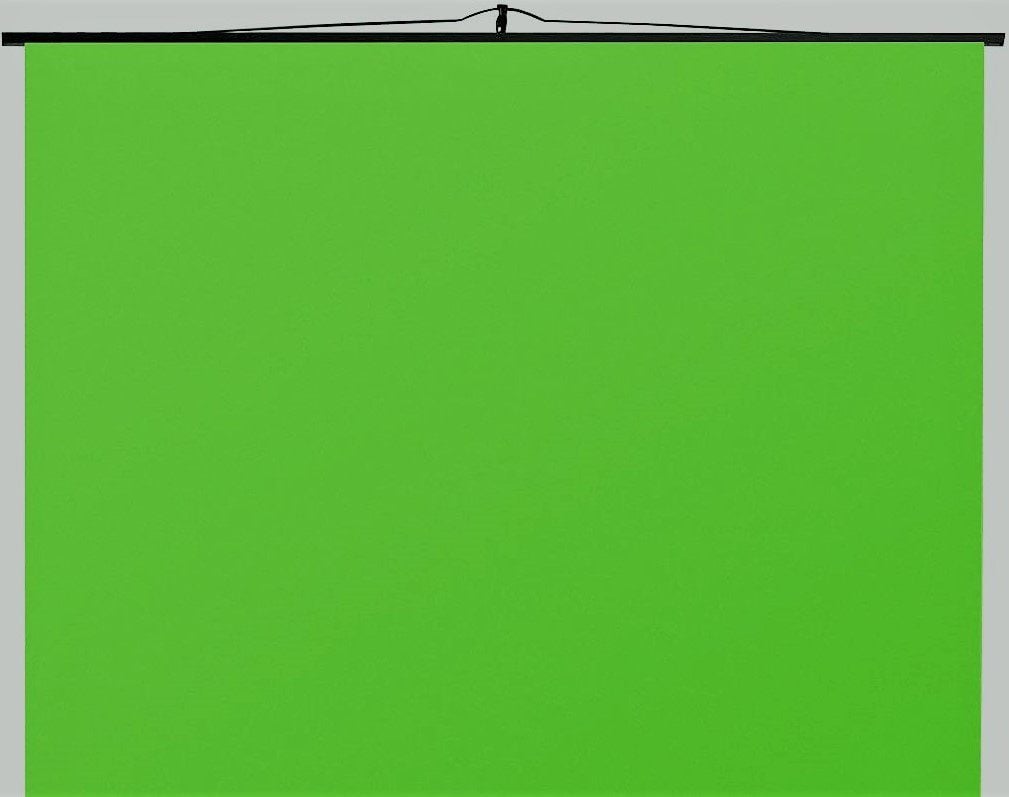
Once you’ve acquired your screen, the next step is setting it up and lighting it. If you opted for the paint, you would paint a flat and even wall surface. If you purchased the Muslin, you will hang it up as taught as possible. You may need to iron out wrinkles with a steamer to get it as smooth as possible. Once your screen is setup, you will need to light the screen as evenly as possible. To accomplish this, use soft, even light sources such as soft light boxes, kinos, lights with chimeras or bounced off white cards. You could even place the screen outside and light it under even daylight conditions like behind the shadow of a building. Place the light sources at opposite sides of the screen facing it at 45 degree angles. The colored screen can also be lit from the top and bottom.
Production still and screen shot of sequence with swords
crossing. ‘Before and after’ comparison.
Once the screen is lit fairly evenly to the eye, check it using a spot meter which, some video cameras come with the feature of giving you the internal spot meter readings. With the spot meter, scan across the entire screen making sure that the screen comes up at the same exposure level. As you scan the screen, there should not be more than a third of a stop difference from point to point. If you do not have access to a spot meter, you can use the zebra settings in your camera as a meter of sorts. To do this, open up the iris incrementally until the zebra lines first appear. If your screen is evenly lit, the zebra pattern would be displayed across the entire screen. If the pattern shows in spots, then the lighting is hotter in those areas and will need to be readjusted to balance it out evenly.
Now that your screen is lit, the next step is to light your subject. The subject is exposed at the same f-stop as the colored screen. However, in most cases, it should not be lit the same way as your screen. To decide how to light the subject, take your cues from the background plate that will be used. Based on where the key was placed in the plate and whether a low-key lighting or not, you would replicate that in the studio. That is why when recording your plate, take technical notes such as light placements, f-stops, lens focal lengths, or time of day – so that you can more easily replicate those settings. The other thing to consider is to try and place the subject as far from the screen as possible. Even though chroma key screens are designed to minimize reflectance, they still do reflect some of the light that hits the screen. This light carries the screen’s color with it, and if the subject is close to the screen, the bounced colored light will spill onto the subject making it difficult to key them out properly. By keeping the subject further away from the screen, the spill becomes less apparent.
The method above describes a basic green screen setup where the camera is locked down. If the shot calls for camera movement, make sure to place markers on the colored screen so that in post process the movement could be tracked so to synchronize it with the background plate more easily. If recording on a green screen, the markers could be blue chroma key tape placed on to the screen like crosses. Make sure to place the markers on the screen where the subject does not block the marker. In addition, the markers need to be in focus as well, so the iris will need to be closed down requiring more light. Adding camera movement adds a level of technical difficulty in post because those markers will now need to be either garbage matted out or a second chroma key will need to be done.
One final note: when planning a colored screen element shoot, take into consideration the type of camera that will be used. The higher the quality of the image, the easier it will be to key out the subject. An HD camera that renders a 4:2:2 color space would make keying out the subject cleanly easier than with a standard def camera with only a 4:2:1 or 4:2:0 color space. That being said, it is still possible to get good colored screen elements with a standard definition camera. The trick is how well you light the green screen and the subject. If you follow the steps listed above, you should be able to achieve good composite effects.
Saro Varjabedian is a New York based director of photography and has worked on numerous independent feature and short films, music videos and corporate videos. He is currently pursuing an M.F.A in Film at Columbia University. Saro can be reached at www.sarodp.com.
Featured in StudentFilmmakers Magazine, January 2009 Edition.
Sign Up for your own subscription to StudentFilmmakers Magazine.
- Click here to sign up for the Print Subscription.
- Click here to sign up for the Digital Subscription.
- Click here to sign up for the Bulk Subscription for Your School or Business.