Here are the basics of what I used to establish a 3D workflow from production to post to presentation.
by William Donaruma
3D production has certainly been a [big trend]. With the monumental success of Avatar, Alice in Wonderland and the many animated features presented in 3D, the transition to digital cinema and the proliferation of a new trade within the industry has taken hold. 3D television sales sold out in its first weekend and new manufacturers are jumping into the fray. Pirates of the Caribbean 4 recently conducted 3D tests at Panavision so as not miss out on the 3D box office bonanza. They certainly don’t want to fall prey to the post-produced efforts of Clash of the Titans that ultimately hurt the film and created a call for 3D standards.
When 3D made its first big appearance at NAB [in 2009], I had reported back to my university that this was the big new thing in production. I was told it would never happen at our institution. Less than a year later I was charged with shooting a 3D test as phase one of a larger project in an interdisciplinary effort to incorporate 3D. This test would then be presented at a scientific conference on cyber-infrastructure and technology in the humanities. Phase two will incorporate live action performance with 3D projection to create a virtual space.
How to begin? Reading the many articles that seemed to multiply from the 3D rage gave a simple overview of either how easy it was to get a 3D picture or how difficult it was to avoid the mistakes commonly made to achieve good 3D. None provided many answers. The cinematography mailing list was strife with information that you have to wade through as stereoscopic engineers would weigh in with calculations and opinions on how you must handle 3D properly.
Luckily, I am friends with the person in charge of researching 3D technology for Disney Studios, Mike Gonzales, who helped me lay out the pieces of the puzzle I would need for my first test. Here are the basics of what I used to establish a 3D workflow from production to post to presentation. My only shooting option was going to be a side by side, parallel rig, since we would not acquire a beam splitter (perpendicular camera rig) for this test.
I mounted two Red One cameras on a GlideTrack as close together as possible so that each camera recorded the left and right eye for stereoscopic vision. The downfall of shooting in the side by side configuration was that I needed to keep my subject, dancer Nejla Yatkin, at least 20 feet away from my camera set up. This has to do with the inter-ocular distance between the cameras and the point of convergence, which are two primary considerations when shooting 3D. Inter-ocular distance is the gap between the lenses, which regulates the strength of the 3D effect. Human vision has an average of 2.5 inches between the eyes, so the wider you go the further away the subject must be to maintain comfortable vision. It is like bringing your thumb close to your face and having to cross your eyes to keep it in focus, which becomes difficult.
Convergence determines the position of the image on the z axis based upon the angle of the cameras. This point of convergence will place a chosen point in the frame to be at the plane of the screen, allowing objects or actions in front of this point to come out into the audience vision and those behind it to provide depth into the screen. This concept of convergence must be considered to formulate a “Z Script,” which is like a shooting script in that you must take your shot list and define how much depth can occur from shot to shot so that the audience doesn’t become sick shifting their vision during an edited sequence.
While my cameras were both set exactly the same using firmware build 30, 4K HD, and all of the appropriate menu and lens settings, I had to use difference zoom lenses for this set up. Optics are of primary importance for pure cinematic capture and it is often stressed that you need closely matching lenses for quality. My presentation would be on a polarized TV monitor and for this test I could get away with slight differences. I had to be able to match focal lengths and could adjust to a point of convergence using an object (in this case a c-stand) to align my camera lenses and geometry.
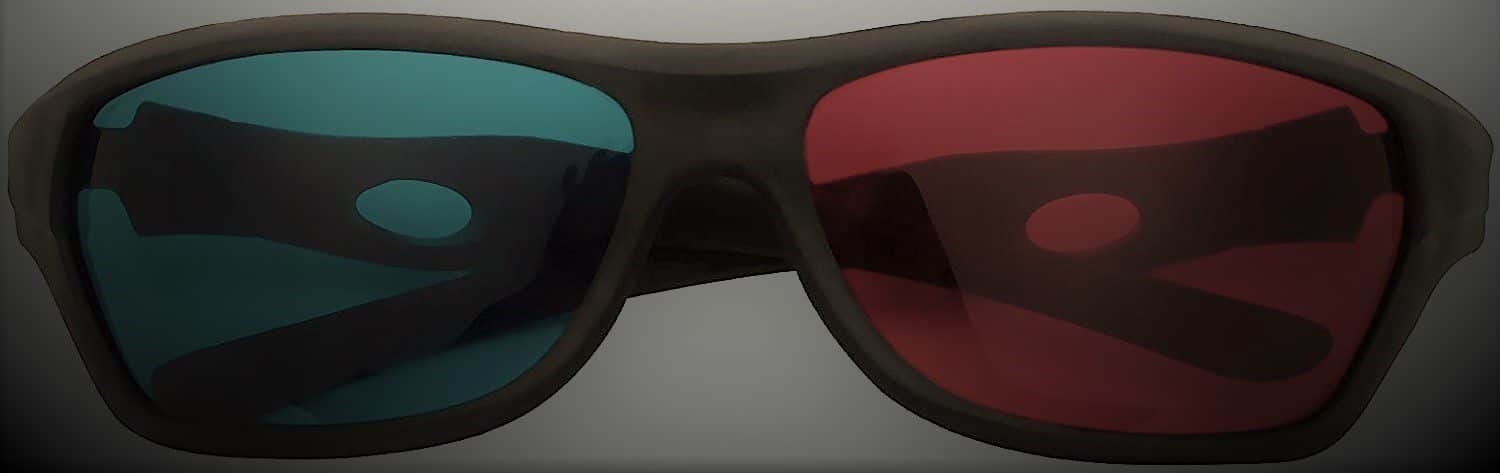
Because of the difference in weight on each camera I had to balance them differently, but it was crucial to maintain the position on the X and Y axis on my rig for the same field of view. My last pieces to the puzzle were a stereoscopic image converter (Davio 3D Combiner), which takes the SDI outputs from the camera and outputs them to a monitor for 3D display and a sync generator. The sync generator box keeps my cameras genlocked together and helped keep one camera from drifting in my monitor display. Genlock is of primary importance to 3D production, which is why using small DSLRs is not an option currently. Using both a small, on-board monitor and a large 42 inch monitor I could look at my images in anaglyph mode (red/cyan) to align my convergence point and check my 3D effect on each shot.
Post-production becomes the next sticky situation in order to process and edit two video tracks into 3D. My workflow was established as follows. Shooting .r3d files, I applied a simple look and had to adjust a slight color shift in one camera in RedCineX. These were then transcoded to Apple ProRes files, where I would take them into Final Cut Pro and sync them up using a standard slate, much like syncing video with audio tracks, as I did not use a time code generator. Having installed the Cineform codec and Neo3D software, I exported each file as a Cineform file and imported those into Cineform’s FirstLight program. There I can mark each camera ‘Left’ and ‘Right’ and create a stereo file, which is then seen as one video clip and can be re-imported to Final Cut for editing. While in Final Cut I can go back and forth to FirstLight and make look adjustments and change myconvergence point in real time within my timeline. Pretty cool. I could also check my 3D on regular monitors by switching my view in a number of configurations, including anaglyph.
Once my project was set I would output the file in side by side mode so that I could then present it on a polarized 3D monitor for presentation. This type of monitor combines the left and right images by meshing the interlaced scan lines together. Inexpensive polarized glasses then block each camera eye view providing a crisp
3D effect. This, however, only provides half the HD resolution since the 1080 lines are split into the two camera views.
Active shutter systems are the ones you find in consumer electronics stores now with the expensive battery operated glasses. These glasses allow the images to remain in full HD by opening and closing each eye in sync with the TV outputting the left and right signal at full resolution. The shutter is happening so fast they appear to be like polarized glasses, so there is no flicker effect.
The resulting dance sequence was a success and much was learned about how to best achieve a 3D image and effect. The next step will be creating a live dance piece amongst projection screens with 3D images, both live and computer generated in an interactive performance.
Now that we have established a workflow, we will explore the numerous equipment options that are hitting the market. I am sure much more will be learned to pull this one off! 3D is certainly here to stay and will keep expanding as its own industry. Standards for quality control, workflow, definitions and stereoscopic roles on set are quickly being defined. Stop worrying about 3D and learn to love it!
William Donaruma has years of production experience having worked for Universal Studios as well as a variety of production companies and major television networks in film and video production. Returning to Notre Dame to teach production courses, he has won the Kaneb Teaching Award and was granted a fellowship at the Academy of Television Arts and Sciences.
www3.nd.edu